
Official Booking Photo Sources
The primary Santa Cruz County source is the Sheriff's Web Jail Viewer. Its warning page says public information configured by the jail may include descriptive information, mugshot images, and charged offenses. Research also found a booking-detail layout with a photo area, but not every tested record displayed a visible image. The accurate wording is that the official viewer may include a booking photo when configured and available.
A released person's photo, if available, remains tied to the booking record. Search by name, booking date, booking number, or wildcard in the Web Jail Viewer, then open the detail page and compare the booking number, booking date, date of birth, charges, court case number, Release Date, and Sched. Release fields before assuming a photo belongs to the right person.
Where Released Mugshots May Appear
Santa Cruz County does not publish a dedicated released-mugshot gallery. The realistic discovery channels are the booking viewer, records request, court and supervision records for context, and state or federal systems when custody changed jurisdictions.
| Channel | Photo Status | How to Access |
|---|---|---|
| Santa Cruz Web Jail Viewer | May show a mugshot image when configured and available. | Search by name or booking date, then open the booking detail page. |
| Sheriff records / NextRequest | Requestable, but not guaranteed; exemptions or redactions may apply. | Ask for the booking photograph tied to a specific booking number and date. |
| Santa Cruz Superior Court | Usually not a booking-photo source. | Use the case record to confirm disposition, sentence, sealed status, or related orders. |
| California VINE | Custody-status and notification system, not a photo archive. | Use for custody change alerts and confirm through the jail or court record. |
| CDCR / CIRIS | Use for state-prison identity and release status; do not assume a photo is public. | Search CIRIS when the person was sentenced or transferred to state prison. |
| News or press releases | Possible in high-publicity matters, not an official release record. | Use only for factual context and verify against official records. |
| Commercial aggregators | May repost images or booking data, often without current release context. | Do not rely on them as the official source for release, disposition, or record status. |
Using the Web Jail Viewer
Start at the Web Jail Viewer, then use Booking Search. The query page accepts last name, first name, booking-from date, and booking-to date, including `%` wildcard searches for names. The result table includes Booking Number, name fields, DOB, race, sex, Booking Date, Release Date, and Sch Rel Date. The detail page adds physical description, charges, warrant number, end-of-sentence date, clearance, arrest agency, case number, court case number, next court date, and bail fields.
If a photo does not appear, that does not prove the booking photo does not exist. It may be unavailable online, not configured for display, tied to a different booking, withheld under an exemption, or unavailable in the captured public view.
Requesting a Booking Photo
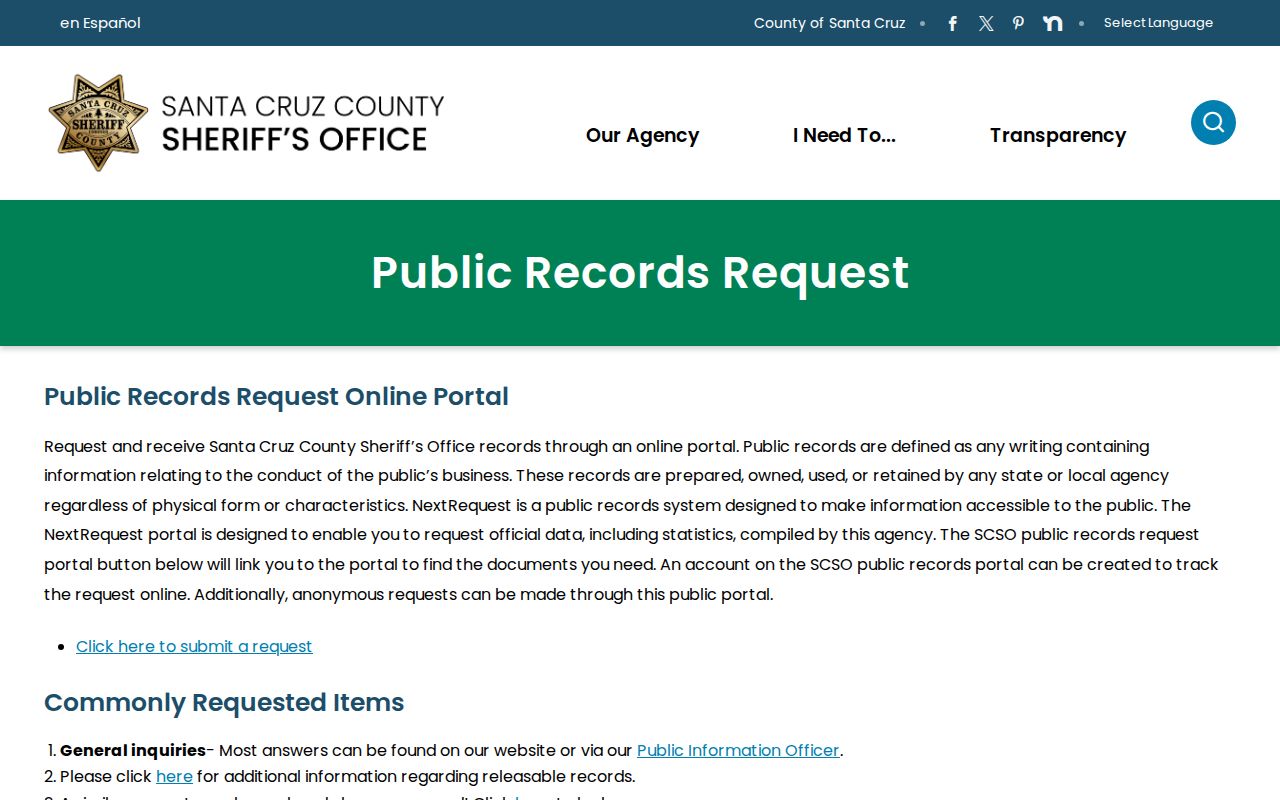
Use the Sheriff's Public Records Request page and NextRequest portal when the official viewer does not answer the photo question. Keep the request narrow and purpose-neutral so the agency can identify the record without guessing.
- Identify the person by full name and date of birth if known.
- Include the booking number, booking date, facility, and court case number if available.
- Ask for the booking photograph associated with that booking, plus booking date, release date, scheduled release date, and release or transfer fields if releasable.
- State that redactions and exemptions can be applied as required by California law and agency policy.
- Use the Santa Cruz Superior Court record separately for disposition, sentence, sealed-case limits, and certified copies.
Government Code section 7923.610 supports access to specified arrest information, including time and manner of release or the place where the person is held, unless disclosure of a particular item would create a safety or investigation problem. Government Code section 7922.535 generally requires an agency to make a determination within 10 days on whether the request seeks disclosable records in its possession, with extension allowed in unusual circumstances.
California Booking Photo Limits
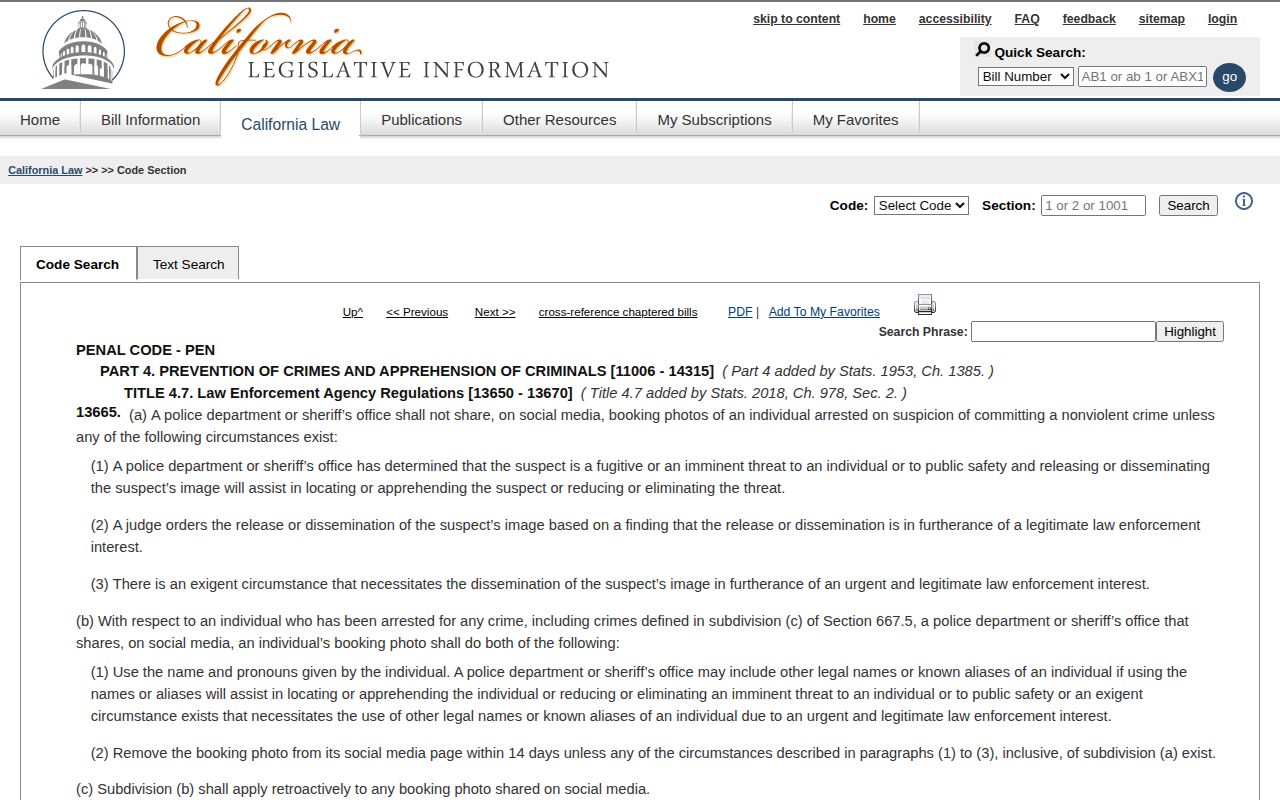
California mugshot availability is not governed by one simple rule. Penal Code section 13665 restricts law-enforcement social-media posting of booking photos for people arrested on suspicion of nonviolent crimes unless a statutory exception applies, such as a fugitive, imminent threat, public-safety circumstance, or judge-ordered release. The statute also includes removal-request procedures for certain previously posted images. That rule is about law-enforcement social-media posting; it does not automatically erase every booking photo from every public-record system.
Penal Code section 11105.6 is narrower. It allows local law enforcement to furnish specified booking-photo, alias, violent-felony conviction, booking, and property-record information to licensed bail agents or licensees in certain warrant, forfeiture, and client-relationship circumstances. It is not a general public mugshot access rule for every requester.
Viewer Photos and Social Posting
The Santa Cruz Web Jail Viewer warning says configured information may include mugshot images. Penal Code section 13665 separately restricts law-enforcement social-media sharing of booking photos for nonviolent arrests unless exceptions apply. Read those together: an official booking system may have a photo path, but social-media posting and later removal are legally constrained. A missing social-media image does not mean there is no booking record, and an online photo does not explain release status by itself.
Commercial Sites and News
Commercial mugshot and booking aggregators may mirror Santa Cruz booking data, but they can lag, omit release fields, keep stale records, or separate a photo from the court disposition. They should not be used as the source for whether someone was released, why release occurred, whether charges changed, or whether the case was sealed or cleared.
News reports and Sheriff's media releases can provide context for a public incident, but they are not the official booking-photo or release record. Confirm custody status in the Web Jail Viewer, confirm case outcome in Santa Cruz Superior Court, and use the Sheriff's records portal for the booking photo or release record when the official online information is incomplete.
Clean Slate and Photo Availability
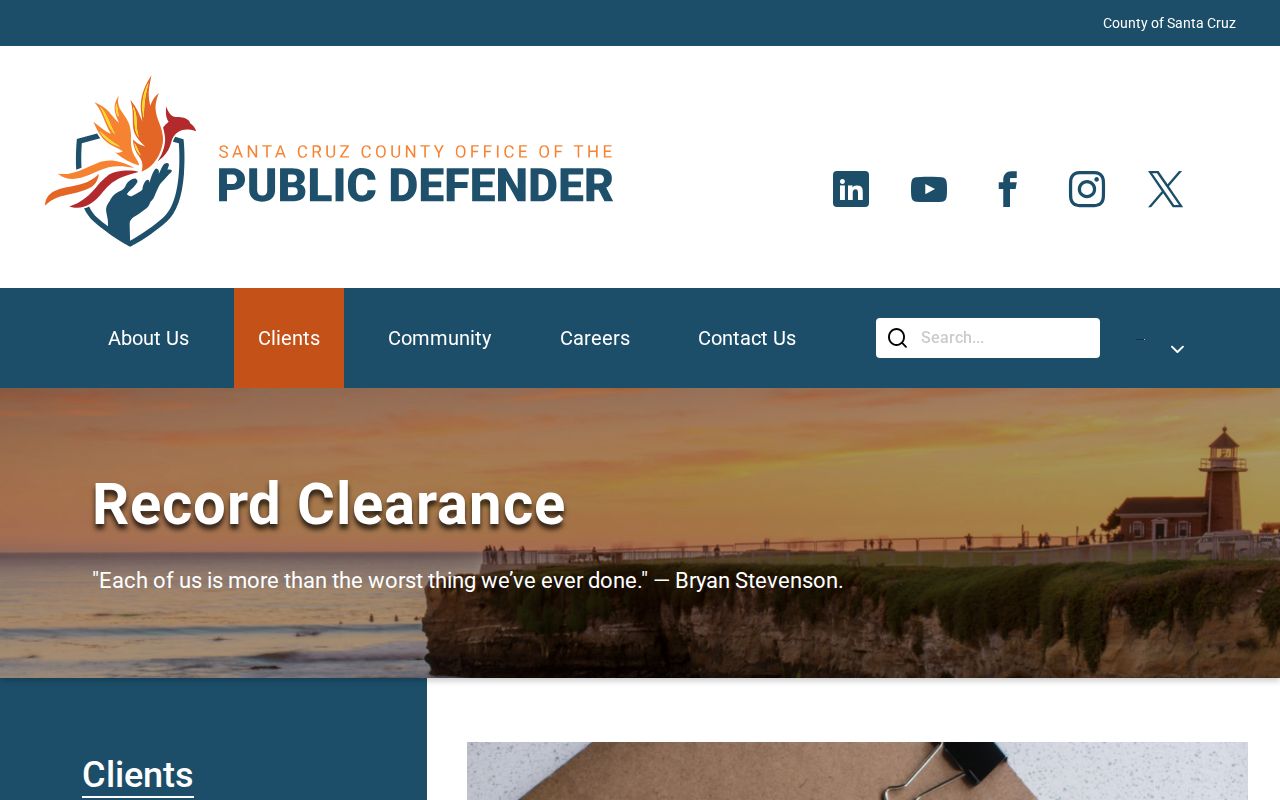
Santa Cruz County's Public Defender has a Clean Slate / Record Clearance program. Its page says people arrested or convicted in Santa Cruz County, people who were on probation there, or people who register as sex offenders there may be eligible for help with record clearance if they qualify. California record relief can affect public access and how records appear, but record clearance is not a promise that every booking photo disappears from every source.
The practical sequence is to understand the official booking and court record first, then ask the appropriate agency or legal-help provider about record-cleaning options. The court record is especially important because a booking photo alone does not show final disposition, dismissal, sentence completion, probation, parole, or later relief.
Official Next Steps
For a local Santa Cruz County booking photo, start with the Web Jail Viewer and then the Sheriff's records portal. For a state-prison release, use CDCR CIRIS and CDCR contacts for state custody information. For custody notification, use California VINE. For federal or immigration custody, use BOP or ICE. None of those systems should be mixed together without checking which agency actually held the person at the time of booking or release.