
No Dedicated 24-Hour Feed
The Santa Cruz County Sheriff's Office links to a Jail Inmate Locator and the Web Jail Viewer provides Booking Search and About navigation, but research did not find a separate public route labeled 24-hour releases, released today, released in the last 24 hours, or recent release list. That matters because the county tool is not a one-click daily release log. It searches bookings and then shows any release information the jail has populated for those bookings.
The best online starting point is the Web Jail Viewer booking search. It accepts last name, first name, booking-from date, booking-to date, or a combination, and the research noted that `%` can be used as a wildcard in names. A same-day search can miss someone who was booked earlier but released during the last 24 hours, so search by name when possible or widen the booking-date range when the name is uncertain.
How to Check the Last 24 Hours
Use this workflow for a person released from Santa Cruz Main Jail, Blaine Street Facility, Rountree Medium Facility, or the Rehabilitation and Reentry Facility. If the person was sentenced or transferred to CDCR, the county booking record is no longer the final release-date source; use CIRIS and the court case as well.
- Open the Web Jail Viewer booking search at jailviewer.co.santa-cruz.ca.us.
- If the name is known, search by last name and first name. Use partial spelling or the `%` wildcard if exact spelling is uncertain.
- If the name is not known, enter a booking-from and booking-to date around the relevant day, understanding that this searches booking dates rather than release dates.
- Open likely results and compare booking number, date of birth, booking date, charges, court case number, and facility context before relying on a match.
- Read the Release Date, Sch Rel Date, Sched. Release, Released, and any end-of-sentence fields. A blank release field should be checked against the court record, VINE, the jail, or a records request.
- For an urgent safety or notification question, use California VINE as a custody-status alert layer, then confirm the legal reason through the jail or court.
For a broader window, use the Released Last 72 Hours page and search a three-day booking range.
Release Fields to Read
The county's search is useful because the result table and detail view include release-related fields even without a dedicated 24-hour feed. These fields confirm the booking event and help separate a released person from someone still in custody.
| Field | What It Shows |
|---|---|
| Booking Number | The jail booking identifier to include in a records request or when calling the facility. |
| Booking Date | The date used by the Web Jail Viewer search form; it is not the same as a release-window filter. |
| Release Date / Released | The public indicator that the jail has populated a release field for that booking. |
| Sch Rel Date / Sched. Release | A scheduled release date, useful but not a guarantee of the actual walk-out time. |
| End Of Sentence Date | A charge-level field that may appear when sentence-completion information is populated. |
| Court Case Number / Next Court Date | The link to the Santa Cruz Superior Court record that can explain disposition, bail, sentence, or later hearings. |
| Bond and Cash Fields | Indicators that may explain a bail-related release before the criminal case is over. |
Release Timing Is Not a Batch
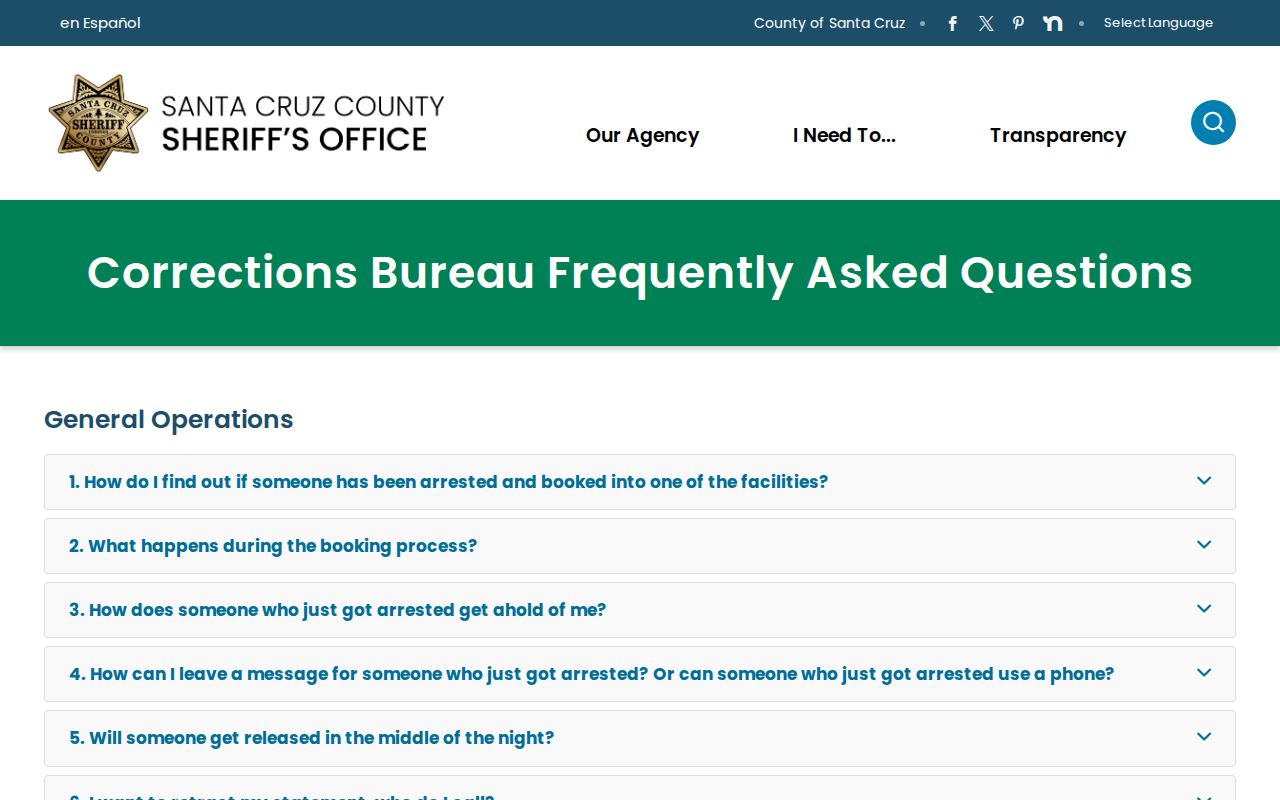
The Santa Cruz Sheriff's Corrections FAQ says releases occur throughout the day and night depending on court orders, sentence completion, or posting of bail. It also says most releases are processed within several hours once legal requirements are met. That local rule is the reason a same-day release may not appear in the way a daily list would suggest: the legal trigger, jail processing, online field update, and court record can move on different schedules.
Cash bail has its own local path. The FAQ says cash bail can be accepted at the Main Jail as cash or cashier's check payable to Santa Cruz County Superior Court, and the person posting cash bail should bring valid driver license, ID card, or passport. A bond-out release is therefore different from a time-served or end-of-sentence release and may still require the court case to understand what happens next.
Safe Release After Hours
Santa Cruz County has a distinctive safe-release detail. The Corrections FAQ says people scheduled for release between 5 PM or sundown, whichever is later, and 8 AM may voluntarily stay in jail as part of the safe release program. The same FAQ says female support through Monarch Services can include safe release assistance such as transportation, phone access, and other resources when needed.
This detail helps explain why the last 24 hours are not always a simple online timestamp. A person may be legally eligible for release, still completing jail processing, voluntarily staying during an overnight window, or moving through support arrangements before leaving the facility.
Records Request and Court Fallback
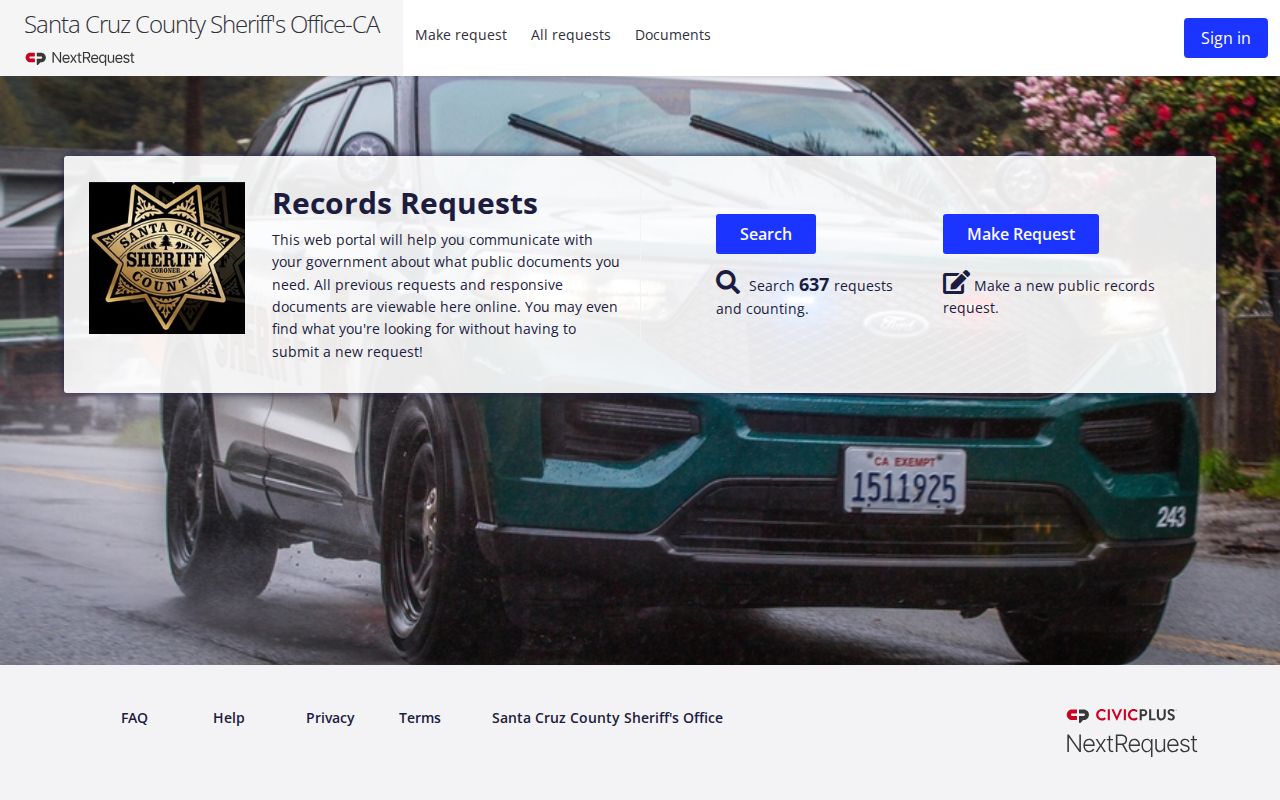
When the Web Jail Viewer is blank, stale, or too narrow, use the Sheriff's Public Records Request page and its NextRequest portal. A narrow request should include the person's full name, date of birth if known, booking number if known, approximate booking date, facility, and court case number if known. Ask for booking date, release date, scheduled release date, time and manner of release if releasable, transfer information if releasable, and whether the person was released, transferred, or moved to a custody alternative.
California Government Code section 7923.610 supports public access to specified arrest information, including time and manner of release or the location where held, subject to safety and investigation limits. Government Code section 7922.535 generally gives agencies 10 days to determine whether a request seeks disclosable records in their possession, with extension allowed in unusual circumstances.
For the legal outcome, use the Santa Cruz Superior Court case lookup. Search by case number or party name in Last, First format, and use the court records process for copies when the online record does not explain the disposition.
Released or Still in Custody
A person still in local custody should have a current jail booking context in the Web Jail Viewer. A released person may still appear through the booking-date search if the booking remains searchable and the release fields are populated, but the person is no longer being held by that jail booking. A person transferred to CDCR should be checked in CIRIS; a person released to parole should be confirmed through CDCR parole channels; and a person on county probation or pretrial monitoring should be checked through the court order and Santa Cruz County Probation Department contacts.